We have all been there: panicking at a traffic stop because you forgot your wallet, or frantically rummaging through dusty files to find a 10th-grade marksheet for a job application. Physical documents are fragile, easily lost, and a hassle to carry around. Here’s we have the ultimate guide to DigiLocker: How to Digitize Your entire Life in 2026.
But what if your phone could legally replace your entire document folder?
Enter DigiLocker, the Government of India’s flagship initiative under the Digital India campaign. If you aren’t using it yet, you are living in the past. Here is a complete breakdown of why DigiLocker is the ultimate life-hack and a definitive list of every document you can (and should) store in it today.
Why Should You Use DigiLocker? (The Core Features)
Before we jump into the documents, let’s understand what makes DigiLocker so powerful:
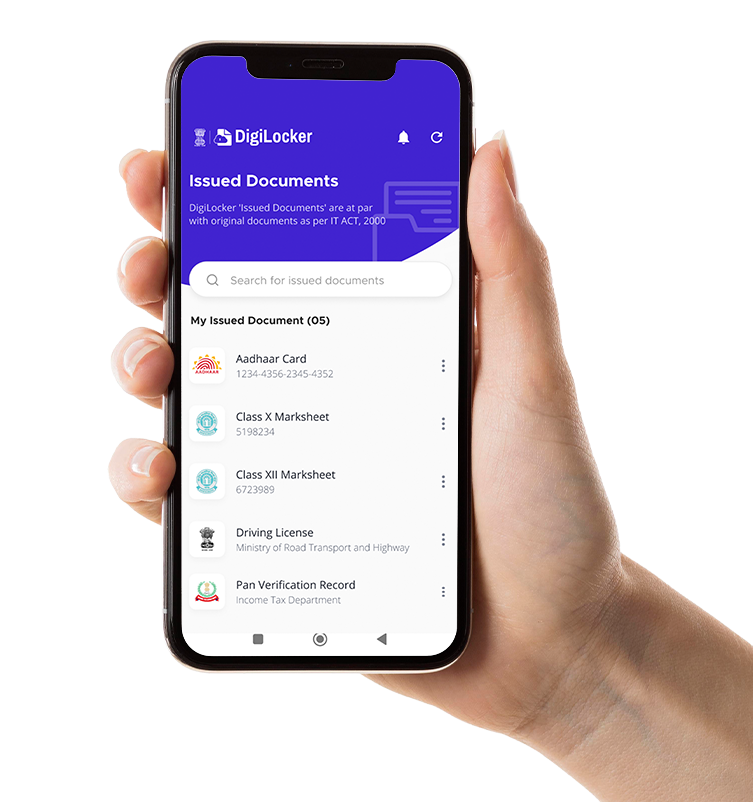
- 100% Legally Valid: This is the biggest feature. Under the Information Technology (IT) Act, 2000, documents issued in your DigiLocker account are legally equivalent to original physical documents. A traffic cop or airport security guard cannot legally refuse a digital Driving License shown via the DigiLocker app.
- Highly Secure: Your locker is tied to your Aadhaar and mobile number, fortified with OTP and PIN-based security.
- Real-Time Verification: Documents aren’t just scanned PDFs; they are fetched directly from the issuing authority’s database in real-time, making them tamper-proof and instantly verifiable by employers or government agencies.
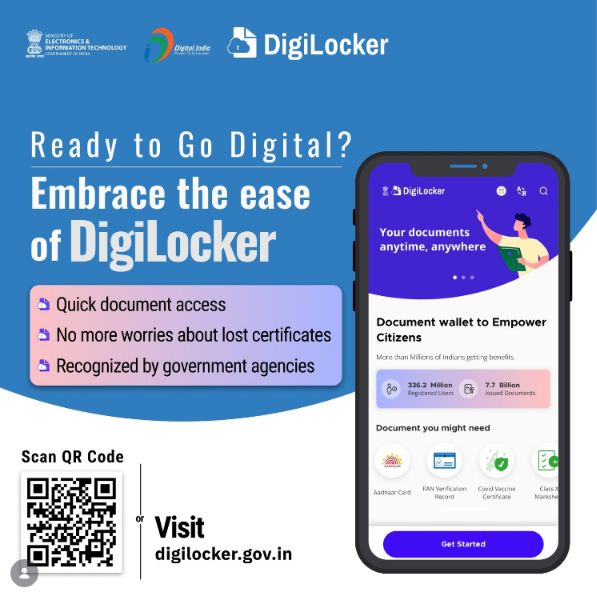
- Free Cloud Storage: In addition to fetched documents, DigiLocker provides 1GB of free cloud storage to upload your own scanned PDFs and JPEGs.
Quick Reference: DigiLocker Services at a Glance
For a quick overview, here are the major service categories and the top documents you can fetch instantly:
| Service Category | Key Departments / Issuers | Essential Documents Available |
|---|---|---|
| Identity & Civil | UIDAI, Income Tax Dept., Election Commission | Aadhaar Card, PAN Card, Voter ID (e-EPIC), Ration Card |
| Transport & Travel | Ministry of Road Transport & Highways (MoRTH) | Driving License (DL), Registration Certificate (RC), PUC Certificate |
| Education & Skills | CBSE, State Boards, Universities, NSDC | 10th/12th Marksheets, Passing/Migration Certificates, Degrees, Skill Certs |
| Banking & Finance | EPFO, SBI, HDFC, ICICI, etc. | UAN Card, Pension Payment Order (PPO), Bank Statements, FD Receipts |
| Insurance | LIC, New India Assurance, HDFC Ergo, Bajaj | Life Insurance Policy Bonds, Health & Motor Insurance Certificates |
| Health & Medical | National Health Authority (NHA) | ABHA (Health ID) Card, Immunization/COVID-19 Certificates |
The Ultimate Guide to DigiLocker: How to Digitize Your Entire Life in 2026
The Master List: What Can You Keep in DigiLocker?
DigiLocker has partnered with thousands of central and state departments. Here is a category-wise breakdown of the essential documents you can fetch instantly:
1. The “Who Are You?” Docs (Identity & Foundational)
Your wallet can finally go digital. These are your core proofs of identity and address:
- Aadhaar Card: The moment you create an account, your digital Aadhaar is auto-linked and fetched.
- PAN Card: Fetched directly from the Income Tax Department, valid for all KYC purposes.
- Voter ID (Election Card): Fetch your e-EPIC from the Election Commission of India. Perfect as an address and age proof.
2. The “Traffic Cop Savior” Docs (Transport)
Under the Motor Vehicles Act, you never need to carry physical vehicle documents again.
- Driving License (DL): Valid across India for driving and as a photo ID.
- Registration Certificate (RC): Digital proof of your vehicle’s ownership.
- PUC Certificate: Your vehicle’s active Pollution Under Control test certificate.
- Motor Insurance: (More on this in the insurance section below!)
3. The “Smart Cookie” Docs (Education & Skills)
Perfect for college admissions and HR verifications.
- EXAM Certificates: Fetch your 10th (SSC) and 12th (HSC) marksheets and passing certificates from CBSE, ICSE, and state boards.
- University Degrees: Hundreds of Indian universities allow you to fetch your formal degree certificates and migration documents.
- Skill Certificates: Earned a certification through Skill India or NSDC? Fetch it here to show future employers.
4. The “Money & Future” Docs (Finance, Banking & Retirement)
Keep your financial life sorted and accessible for loans, visas, or taxes.
- Provident Fund (EPFO): Instantly fetch your UAN (Universal Account Number) card and Pension Payment Order (PPO).
- Banking Documents: Fetch official Fixed Deposit (FD) receipts and official account statements from partner banks (SBI, HDFC, etc.).
- Credit Card Note: Wait, can I pay with it? No. It is important to note that DigiLocker is a document vault, not a financial wallet like Apple Pay or Google Wallet. While you can fetch a digital Credit Card statement or a relationship certificate from your bank, you cannot store a functional card here to “tap and pay” at a store.
5. The “Safety Net” Docs (Insurance)
Never lose a policy bond again. Having these on your phone is crucial during medical or vehicular emergencies.
- LIC Policies: Fetch your active Life Insurance Corporation policy bonds and premium receipts.
- General Insurance: Fetch your active Motor Insurance (to show alongside your RC) and Health Insurance policies from providers like HDFC Ergo, Star Health, etc.
6. The “Health First” Docs (Medical)
- ABHA Card: The Ayushman Bharat Health Account gives you a 14-digit unique health ID. This digital card links your medical records, lab reports, and prescriptions across participating Indian hospitals!
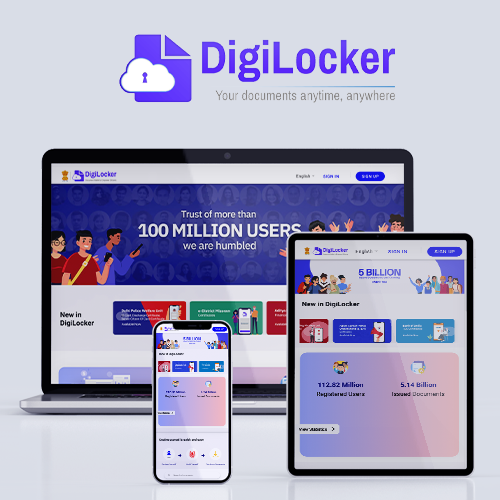
The Ultimate Guide to DigiLocker: How to Digitize Your Entire Life in 2026
Some other contents to explore: Credit Card Debt & Travel Plans, Best LTF Cards 2026, Digitize Your entire Life
How to Get Started Today
Digitizing your life takes less than 5 minutes:
- Download the DigiLocker app from the Google Play Store or Apple App Store, or visit
digilocker.gov.in. - Sign up using your Aadhaar-linked mobile number.
- Enter the OTP and set a 6-digit security PIN.
- Navigate to the “Search” tab, find the relevant department (e.g., Income Tax Department for PAN), enter your document number, and hit “Fetch”!
Stop carrying a thick, plastic folder everywhere you go. Step into the future, download the app, and get your digital life organized today!
Do you use DigiLocker? Which document do you find the most useful to have on your phone? Let us know in the comments below!